How to add a course
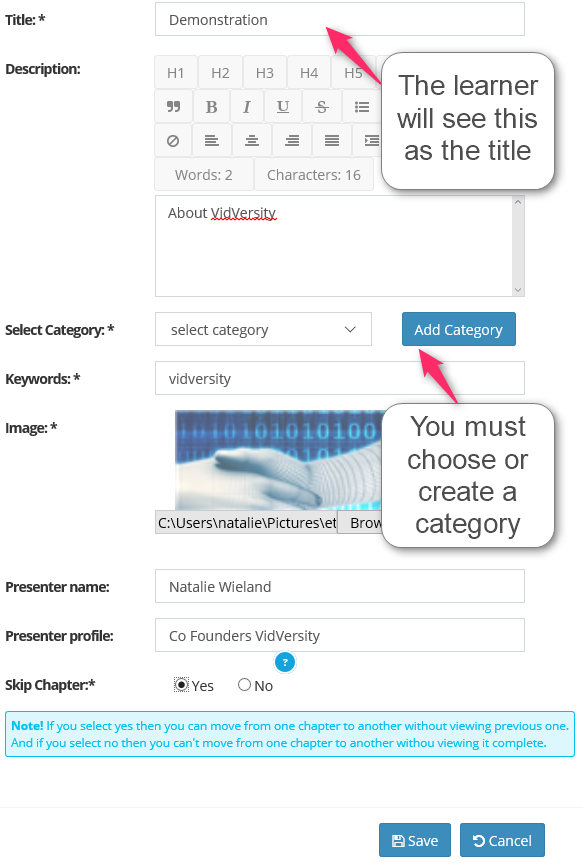
Click on Courses - > Add Course and complete the fields.
Course details
Title - this title will be seen by the learners so think of something informative and creative.
Category and Keywords - is for your eyes only to help manage your courses.
Presenter name and profile - will be in the header of the video for the learner to see.
Skip Chapter - choose yes if your learners can skip to any chapter they wish.