Capturing video with a device or phone using the VidVersity App?
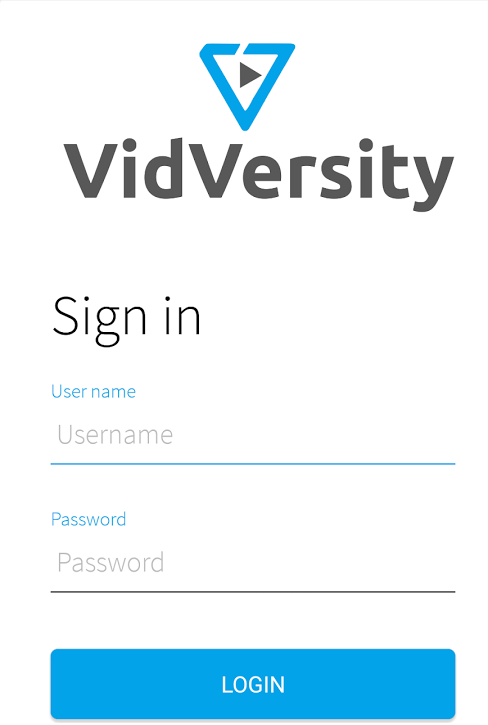
1. Sign into the app
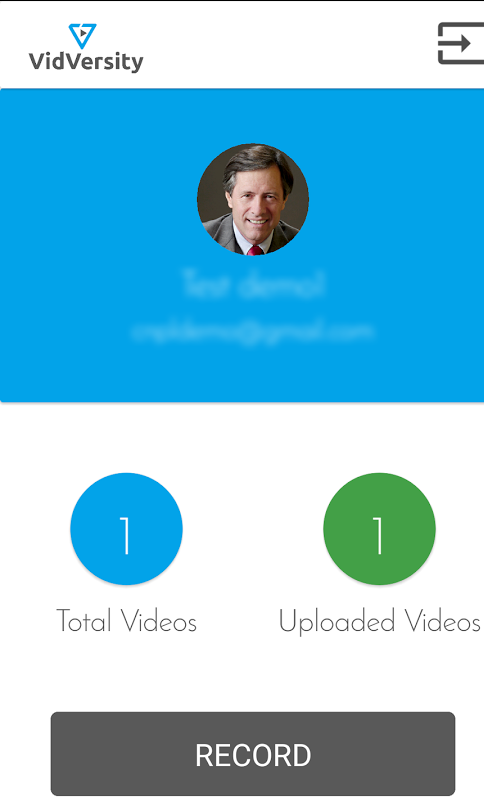
2. Click on Record and when completed select OK
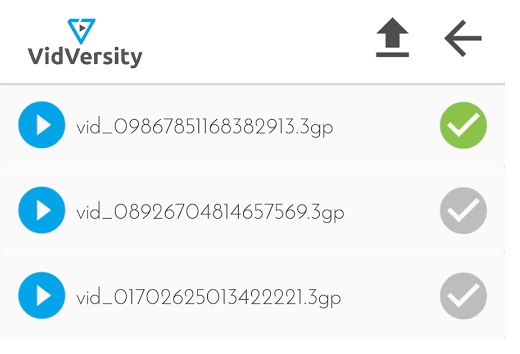
3. Click on total videos and tick in the video you with to upload
4. Select Upload - note if you may wish to change your phone settings to only allow uploads when using Wifi
5. You will receive a notification when the video is in your VidVersity account ready to create into an online course.